

I Built an AI Fantasy Trailer With Runway – Here Is What Still Needed Human Fixes
A practical Runway case study in prompt design, shot review, editing, cost tracking, and delivery QA
This practical case study follows the making of a 60-second fantasy concept trailer from four AI-generated moving shots. It shows where Runway delivered convincing motion, where prompt adherence failed, and why editing, audio work, cost tracking, and human review still determined the final result.
AI video demos often end at the first successful generation. A still image moves, the camera glides forward, particles drift through the frame, and the result is presented as proof that a complete production workflow has been solved.
The fantasy-trailer project in this case study takes the opposite approach. Its useful question is not whether AI can make a beautiful ten-second shot. It is whether several generated shots can survive contact with a real delivery requirement: a coherent 60-second trailer, a fixed visual format, narration that already exists, limited credits, imperfect prompt adherence, and a review process that refuses to hide what did not work.
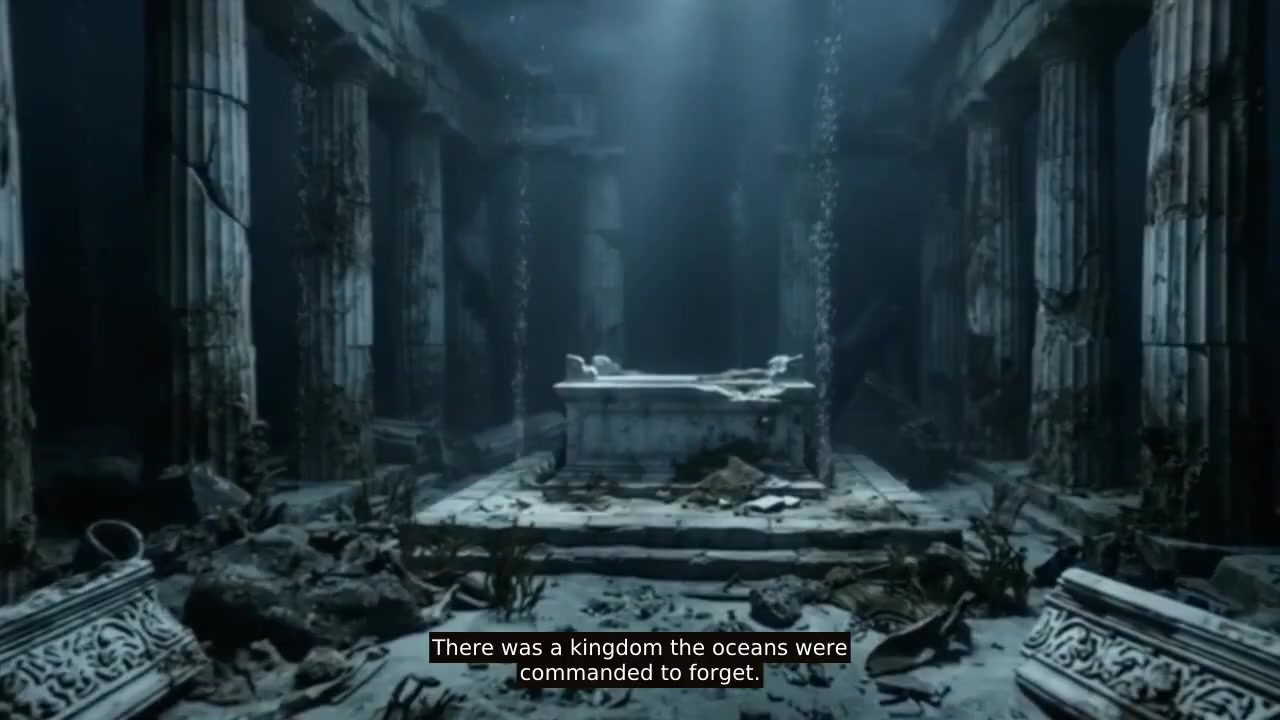
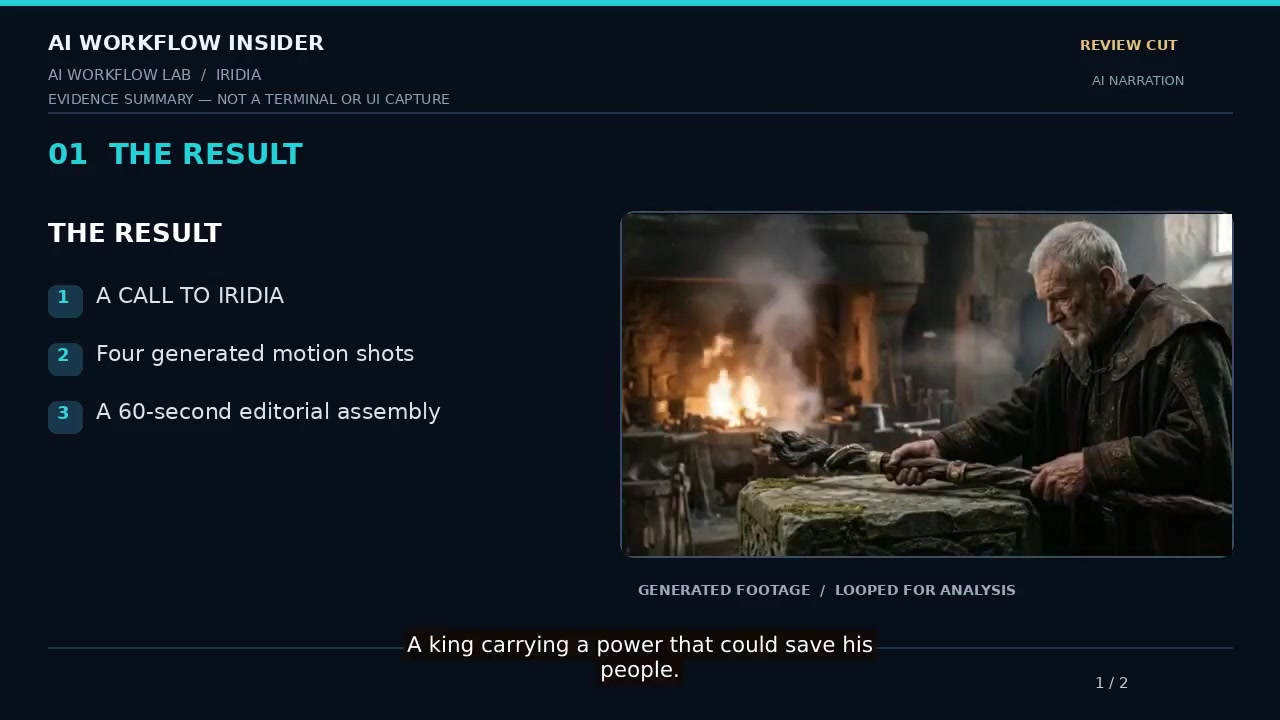
The finished piece, titled A Call to Iridia, uses four moving shots generated in Runway, existing narration, manual timing changes, dissolves, frame interpolation, sound effects, and a newly built sound tail under the closing title. The result looks cinematic, but the production is deliberately described as a concept trailer rather than a one-click movie or an 8K master.
That distinction is the central lesson. AI supplied useful moving material. Human decisions turned that material into a trailer.
Start With the Delivery Problem, Not the Model
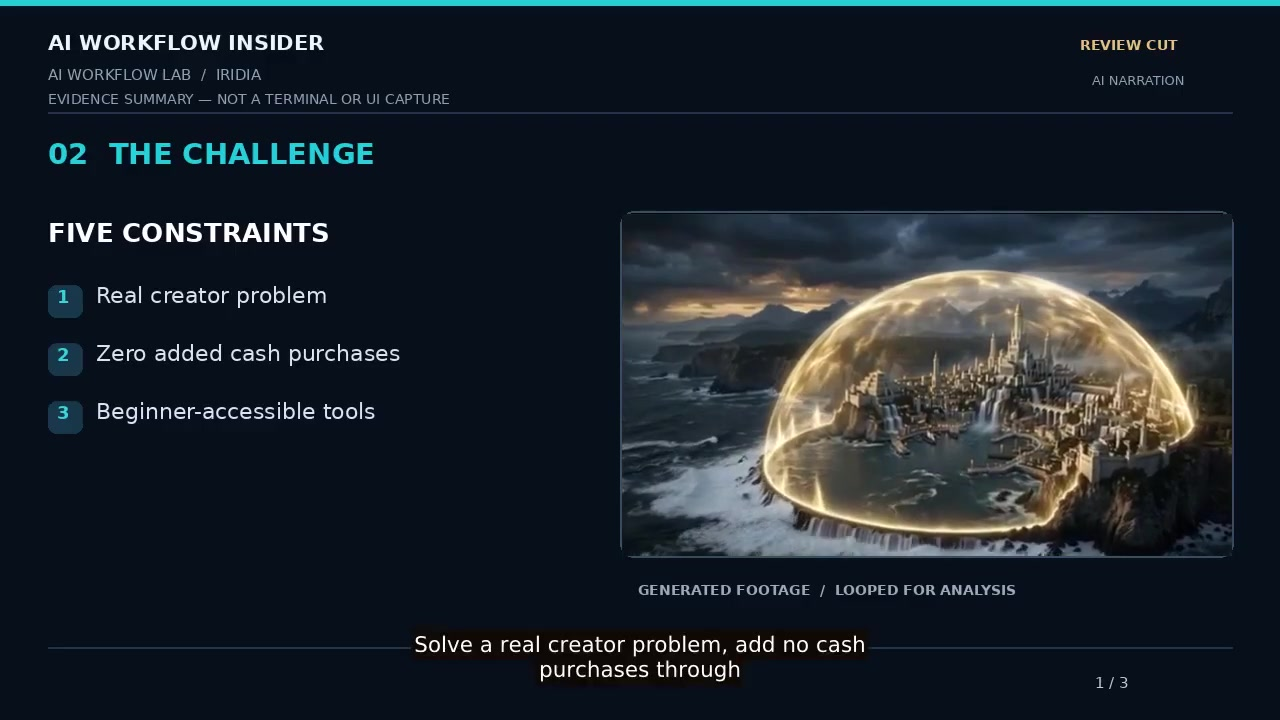
The project begins by defining the production problem before choosing generation settings. The target is a fantasy trailer for a channel, not an abstract model test. The workflow sets five constraints: solve a real creator problem, make no cash purchases during the workflow, use tools a beginner could plausibly access, work against a fixed deadline, and document failures honestly.
Those constraints matter because they change how success is measured. A generation can be visually impressive and still fail the project if it burns through the available budget, requires access the account does not have, cannot be assembled into the target duration, or disobeys the action needed for the edit.
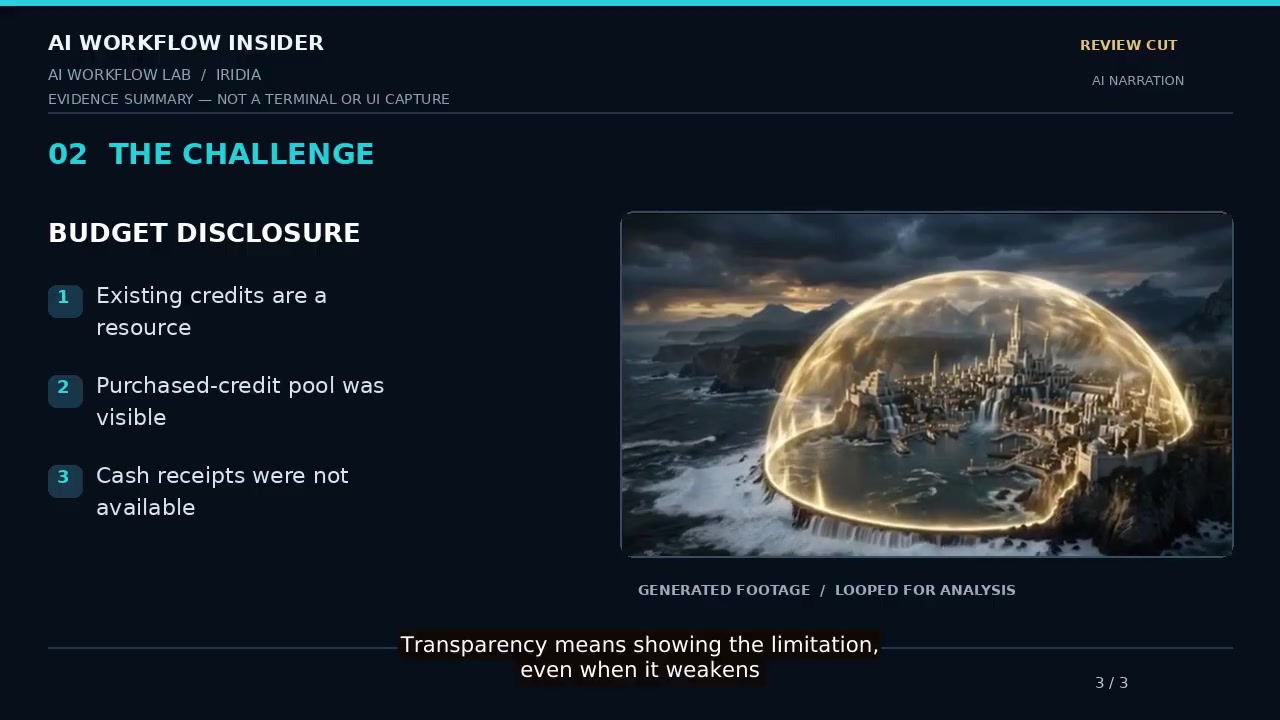
The video is also unusually careful about evidence. It says the account initially displayed 225 available credits and later showed 300 credits in a purchased pool. Because the production did not initiate that purchase or upgrade and no cash receipt was available, the creator refuses to call the additional credits "free." The original completion timer was not recorded reliably either, so the fixed-deadline requirement cannot be certified after the fact.
This is a stronger way to document AI workflows. If a record is missing, the article should not reverse-engineer certainty from the final result.
Fix the Format Before You Generate Anything
Before producing the four moving shots, the workflow fixes the delivery frame: 16:9, 24 frames per second, and a 60-second final trailer.
This sounds basic, but it prevents a common AI-video mistake. If you generate first and decide the format later, you may end up cropping key subjects, stretching shots beyond what their motion can support, or discovering that the available clips simply do not cover the narration.
The project begins with approved still images of the underwater city, the king, and the ring, plus a clean opening frame of the ruins. Those images do most of the compositional work. The generation prompt is then used primarily to describe motion.
That approach matches Runway's current guidance for image-to-video: when the input image already establishes the subjects, composition, lighting, and style, the text prompt should focus on what should move and how it should move.
For a useful next step, see our Runway AI beginner guide.
A Practical Four-Part Prompt Structure
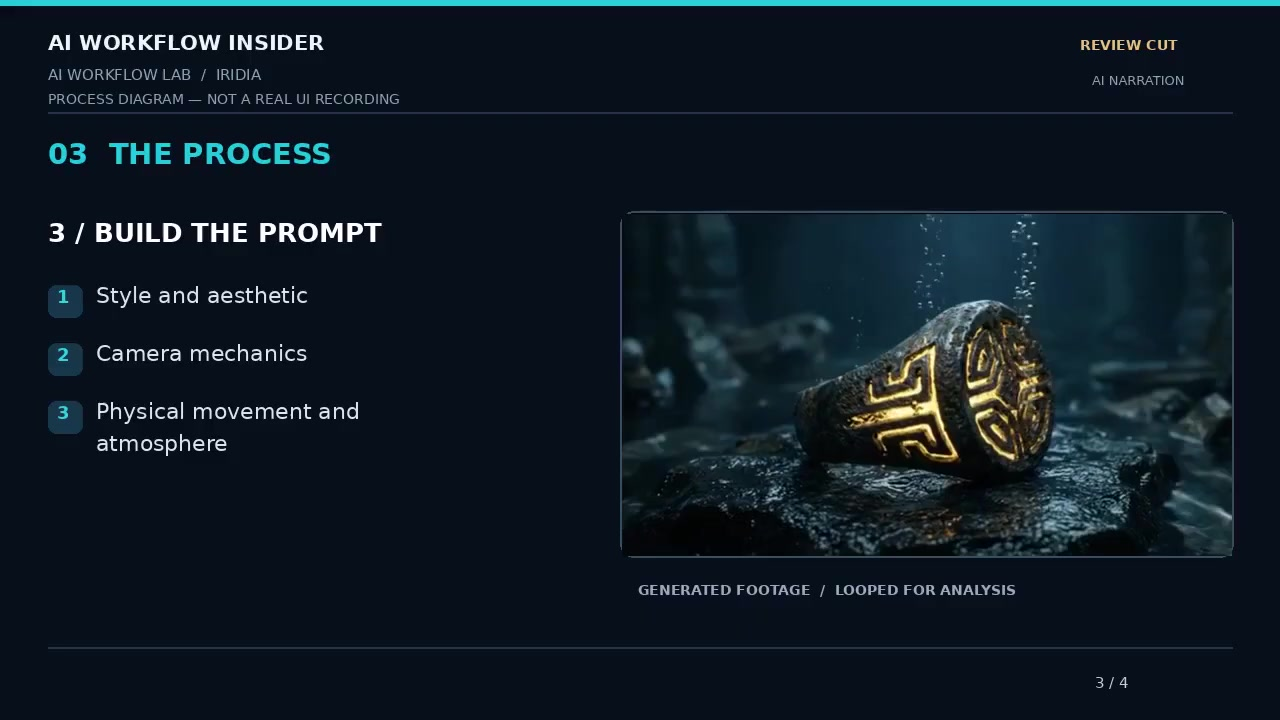
The workflow organizes motion prompts into four parts:
1. visual style and aesthetic;
2. exact camera movement;
3. physical movement or action;
4. atmospheric motion and density.
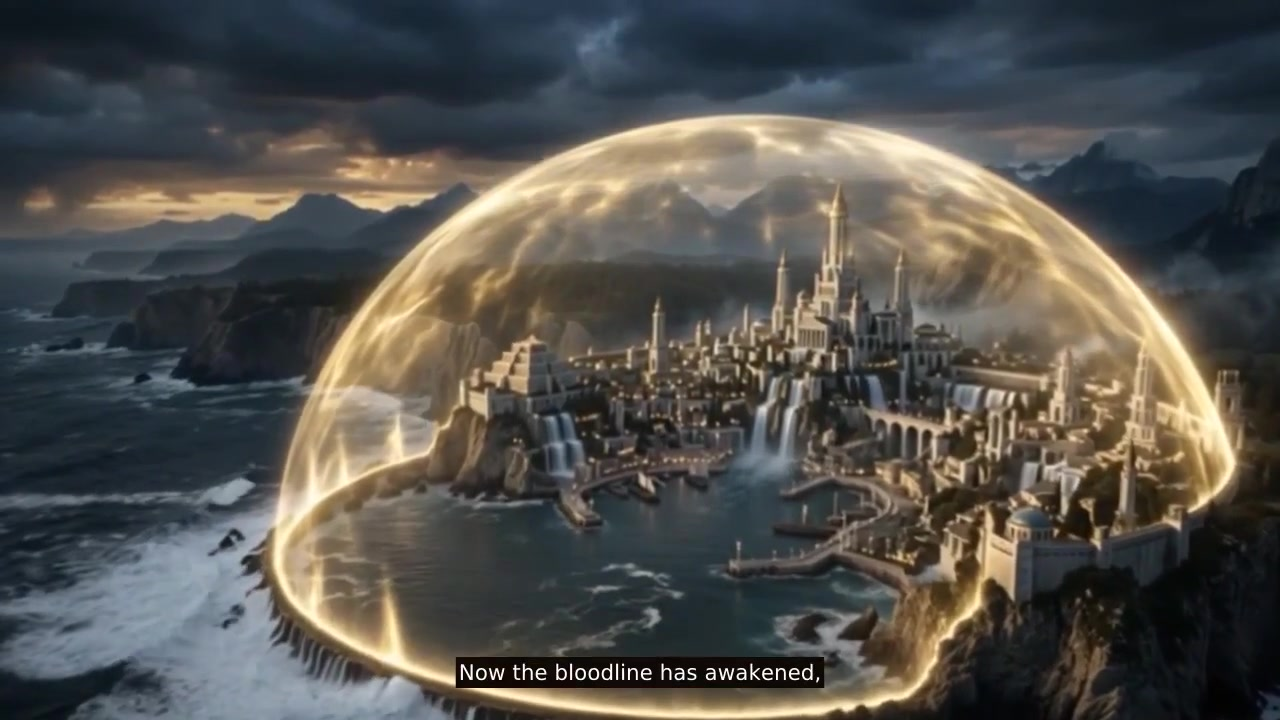
For the ancient ring shot, the desired motion includes a slow forward camera move, a gradual increase in golden light, rising bubbles, and drifting sediment. For the protected city, the prompt calls for an aerial tracking movement, breaking waves, and a shield boundary that stays visually stable.
The important detail is that the prompt is not asked to reinvent the entire image. The still frame already says what the ring or city looks like. The prompt spends its limited instruction budget on movement.
Runway's own prompting guidance follows the same principle and also recommends keeping each short generation conceptually simple. That is important when a creator wants several sequential actions. More instructions do not automatically produce more control; sometimes they give the model more ways to compromise between competing requests.
Generate Short Tests and Keep a Real Ledger
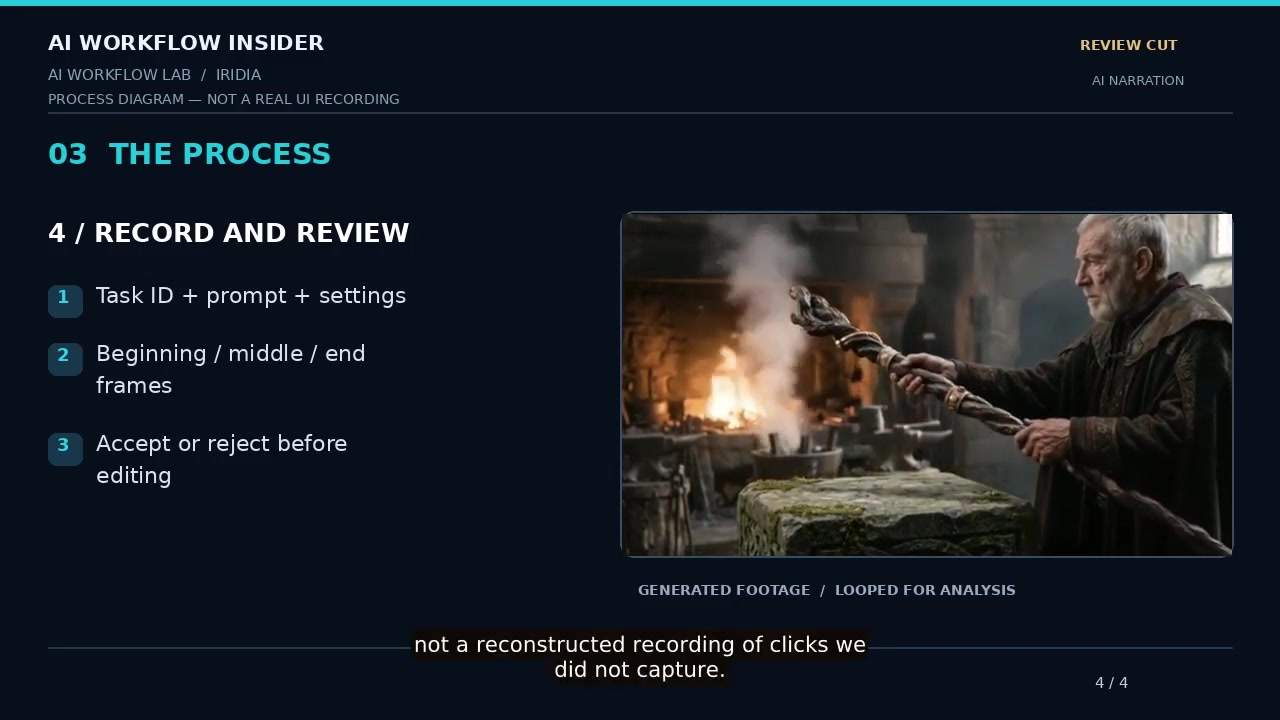
The video recommends making a short, useful test and recording four pieces of information before accepting the result: the prompt, generation settings, task identifier, and credit charge.
Then review the beginning, middle, and end of the clip rather than watching only the most attractive moment. The checklist includes problems familiar to anyone working with generative video: architecture that bends, faces that change, broken hand contact, and objects that subtly transform across the shot.
That review step turns generation into a production process instead of a slot machine. A beautiful middle frame is not enough if the last two seconds collapse or if the action the edit depends on never happens.
The instructional screens in the source video are explicitly labeled as process diagrams. They are not presented as reconstructed recordings of clicks that were never captured. That is worth preserving because tutorial graphics and authentic UI evidence are not the same thing.
The First Failure Was Access, Not Image Quality
One of the more useful failures happened before the project could even judge motion quality. An older Runway connection exposed no video models. A newer connection did, and all four generation tasks completed.
The correct diagnosis is an access limitation. It would be wrong to conclude from the first connection that the model could not animate water, move a camera, or generate the required scene. The necessary generation surface simply was not available through that connection.
This distinction becomes increasingly important as creative AI platforms add models, apps, agents, workspaces, plan restrictions, and third-party integrations. "The tool failed" can mean several completely different things: the account lacked access, the job failed technically, the model generated a bad result, or the result completed but did not follow the request.
Good production notes separate those categories.
Completion Is Not the Same as Obedience
The clearest prompt-adherence example involves the king. The request was for him to lift his staff slightly and then lower it onto an altar. The generated take visibly contains the lift. It does not establish the requested lowering action clearly enough to claim that the full instruction was followed.
The shot is not useless. The production simply stops describing it as something it is not.
That editorial choice is more important than it may sound. Generative video often produces motion that is close enough to be attractive but not exact enough for continuity-critical storytelling. If a shot is treated as raw material, an editor can cut around the mismatch. If the production requires an exact physical action at an exact moment, the same generation may have to be rejected.
Current Runway Gen-4.5 documentation describes stronger support for complex sequenced instructions and detailed camera choreography, but that is a capability claim, not a guarantee that every generation will perform every physical action exactly. The case study's review habit remains useful even as models improve.
Keep Unrelated Failures Out of the Story
The video also includes an unusual but valuable disclosure about a separate automation case study from a game project. Several jobs on that other branch had verified failure statuses, but their detailed logs could not be retrieved during the audit.
The workflow therefore refuses to use those red statuses as evidence for a dramatic technical explanation. A failure badge proves the task failed. It does not prove a compiler crash, a runtime conflict, or a destroyed system. More importantly, those game jobs are not evidence about the Iridia video-generation pipeline.
This is a general research rule worth carrying into any AI article: do not merge unrelated failures just because they make the narrative more exciting.
The Rescue Happens in the Edit
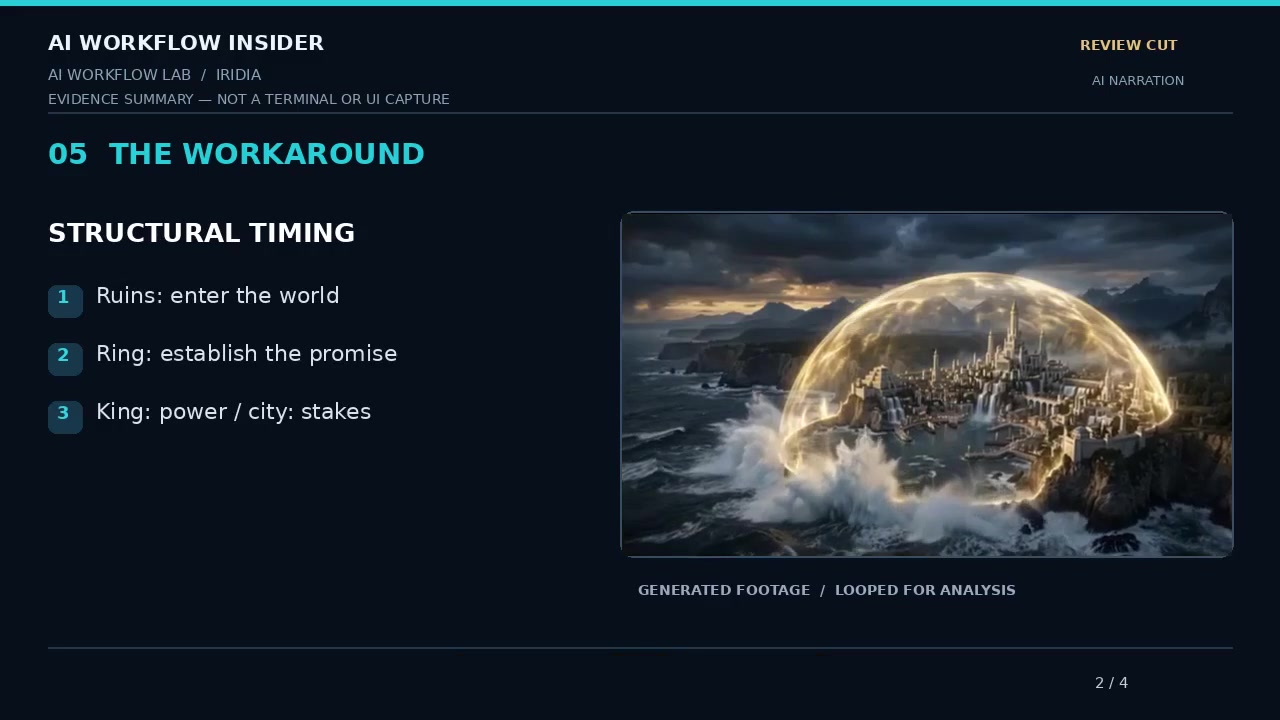
Once the usable shots are selected, the trailer is constructed in a deliberate sequence: ruins, ring, king, city.
Four ten-second generations supply the moving source material. That is only forty seconds, so the editor manually retimes the clips to support a 60-second soundtrack. Frame interpolation fills some of the slower timing, and short dissolves bridge the transitions between environments.
Interpolation creates its own risk. New in-between frames can introduce artifacts, especially around fine details, hands, particles, edges, or complex motion. The workflow therefore treats the assembled trailer as a review cut until the retimed material has been watched closely.
Another rejected claim involves the underwater opening. An earlier concept proposed a plunge from a stormy ocean surface into the submerged ruins. The generated material actually begins underwater. The final description is changed to match the evidence instead of pretending the missing plunge exists.
Sound Is Part of the Rescue, Too
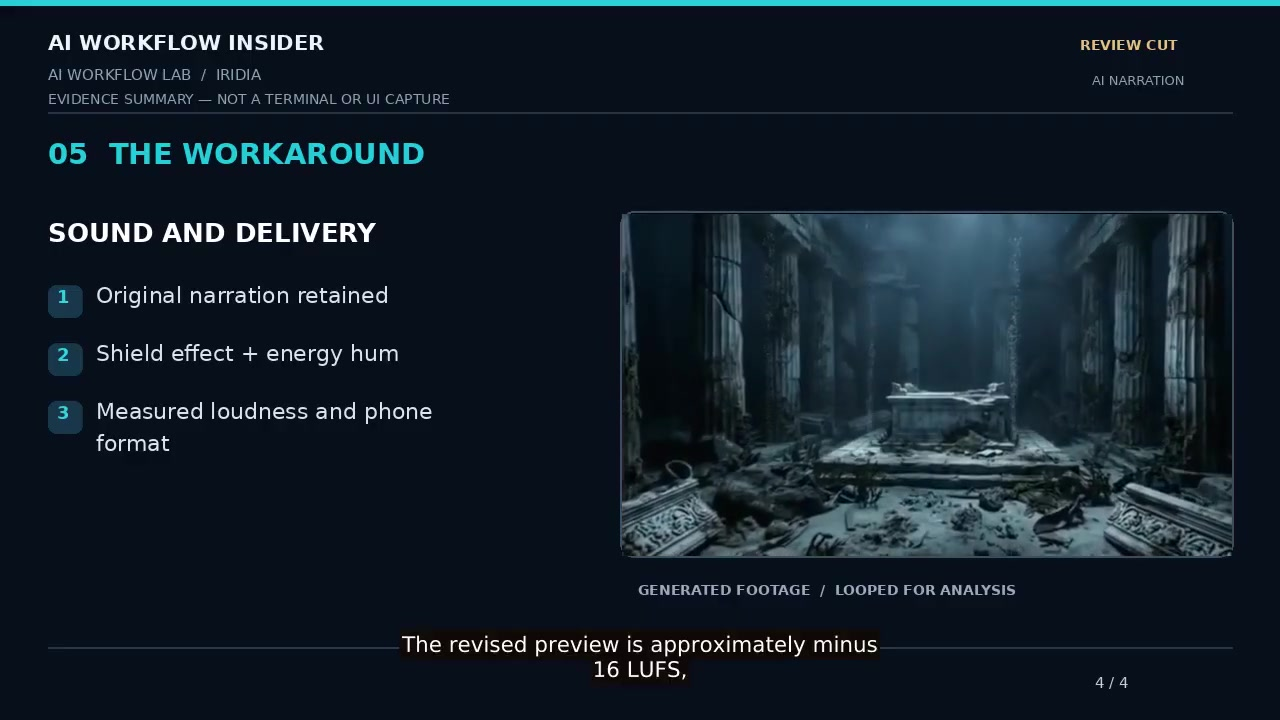
The narration already existed, so the edit keeps it and fits the shots around it. The workflow also measures audio instead of relying only on subjective loudness.
An earlier assembly exceeded 0 dB true peak. The revised preview is described as approximately -16 LUFS with a peak near -1.5 dB. Those values are measurements from this particular project, not universal publishing targets, but the process lesson is solid: once generated visuals become an edited piece, audio needs the same QA discipline as picture.
A supplied shield effect and a quiet synthesized energy hum are placed under the final title so the trailer does not fall into an unintended silent tail. The finished preview is exported as a 60-second, 720p file in a phone-compatible video format.
The resolution should also be understood in context. The project delivers 720p, and current Runway Gen-4.5 documentation still lists 720p as the generation output resolution for its standard video generation. Runway also provides a separate 4K upscaling path. In other words, a 720p generative source and a 4K delivery option are not contradictory; upscaling is a later processing step.
What the Credits Actually Tell Us
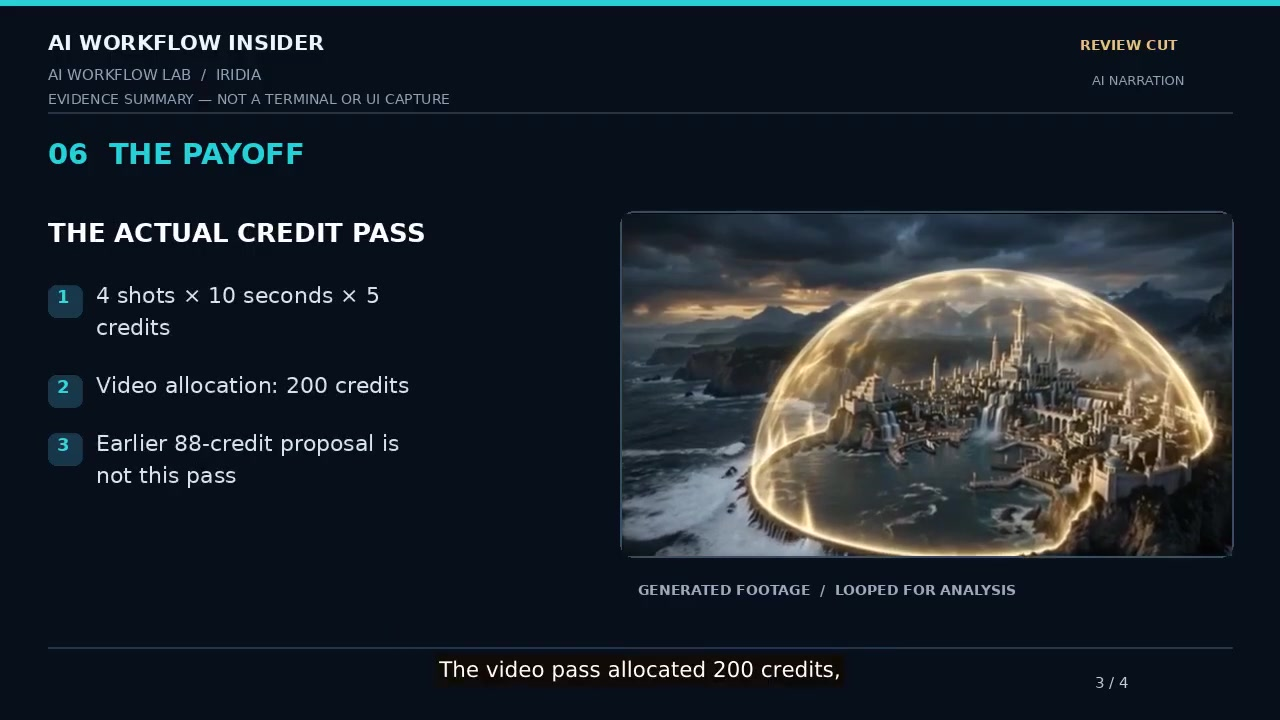
The production ledger allocates 200 credits to the four moving shots: four shots multiplied by ten seconds multiplied by five credits per second.
That rate is consistent with Runway's documented Gen-4 Turbo pricing, which lists Turbo at five credits per second. But it should not be presented as a permanent Runway-wide price. As of the current Runway documentation, Gen-4.5 costs 12 credits per generated second and supports durations from two to ten seconds.
That means the old project's 200-credit calculation can be accurate for the model and rate used in the case study while still being a poor estimate for somebody starting the same workflow today with the latest model.
The video also separates narration charges from video-generation charges and rejects an earlier 88-credit proposal as an unrelated, unverified ledger. That bookkeeping discipline is exactly what a creator needs when comparing models or estimating the cost of a larger trailer.
What AI Produced and What the Human Produced
The before-and-after comparison makes the boundary fairly clear.
The generated footage contributes real motion: the king lifts his staff, the camera travels through the underwater ruins, bubbles drift around the ring, and the protected city gains moving water and atmosphere. Those are substantive outputs, not static images hidden behind zoom effects.
But the finished trailer's structure comes from human decisions: which generations to keep, which requested actions to stop claiming, where to place each shot, how slowly to retime it, where to dissolve, how to align it to the narration, where to add sound, and how to evaluate the export.
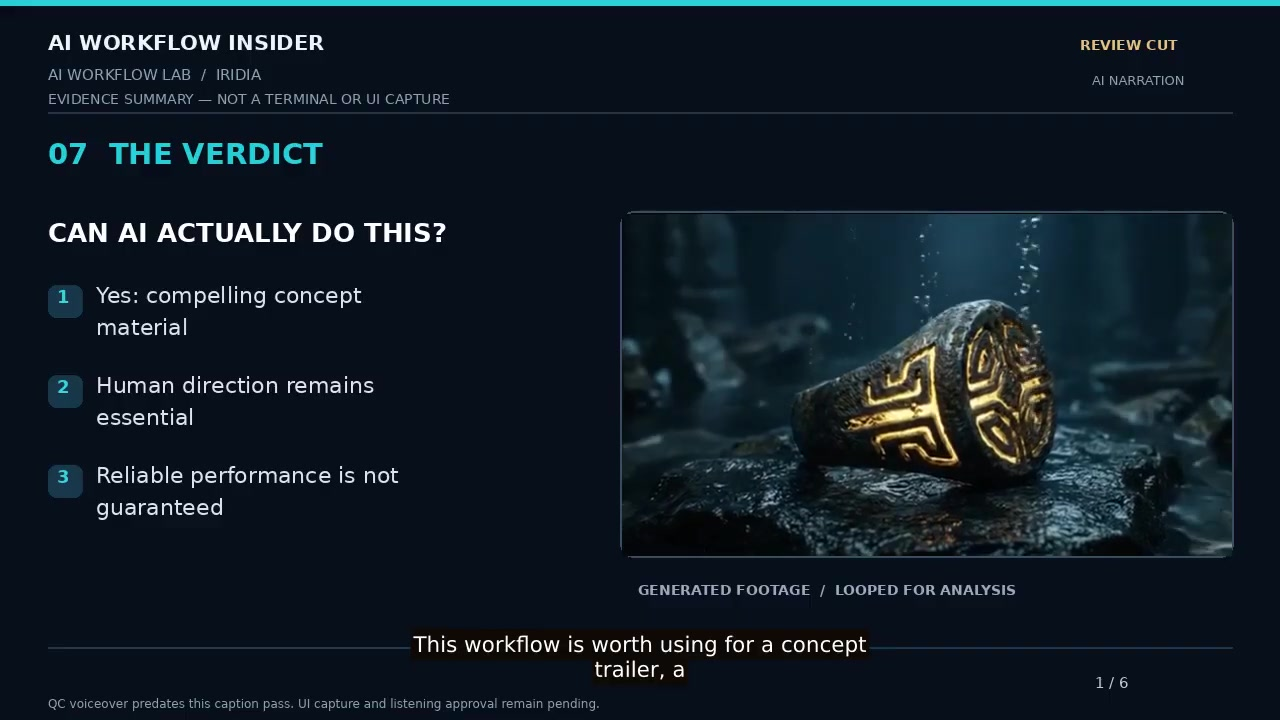
That is why the video's answer to "Can AI actually do this?" is a qualified yes. AI can provide compelling fantasy material and useful moving shots inside a directed production pipeline. It does not automatically deliver exact acting, exact physical behavior, continuity, timing, sound design, or a finished episode.
A Ten-Point Review Before Calling It Finished
The project's final review is more valuable than a generic victory lap because it records what has and has not passed.
The trailer appears immediately at frame zero. Narration is mapped to active footage and process diagrams, although final human alignment review is still pending. Instructions are represented as diagrams rather than falsely labeled UI recordings. Generated footage and diagrams are kept visually distinct. Long screenshot filler is avoided.
The caption requirement does not pass because verbatim subtitle alignment has not yet been completed. Audio has been measured, transitions have been constructed, and the final sound tail exists, but a listening review is still required. Video and narration costs remain separate, with no invented score or fabricated cash receipts.
The 60-second export decodes successfully and a scan found no black gaps. The full episode would still need its own export check. Finally, the deadline and full compliance with all five original constraints cannot be certified from the available records.
That last point is why the creator calls the output a review cut rather than pretending the entire experiment passed.
A Repeatable Version of the Workflow
For creators who want to apply the same thinking to a different trailer, the process can be simplified into a repeatable sequence.
First, define the delivery before generating: aspect ratio, frame rate, target length, narration or music constraints, and the number of shots you can afford to test. Next, choose strong anchor images that already contain the composition and visual identity you want. Write motion-first prompts describing camera behavior, subject action, and environmental movement.
Generate short tests and keep a ledger of prompts, settings, identifiers, and credit charges. Review every clip from beginning to end. Classify failures accurately: access problem, technical failure, visual artifact, continuity problem, or prompt-adherence miss.
Then edit around what the model actually produced. Do not build the story around an action that never appears. Retime conservatively, inspect interpolation artifacts, and use transitions only when they improve continuity. Measure the audio, add the sound details that make the ending feel intentional, and perform a real export check.
Finally, separate three things in your reporting: what the AI generated, what the human editor constructed, and what could not be verified. That separation makes the workflow more useful because another creator can tell which parts are reproducible and which parts were judgment calls.
For a useful next step, see our full Runway short-film workflow.
The Larger Lesson: AI Video Is a Source-Material System
The fantasy trailer works best as a demonstration of AI video as source material rather than autonomous filmmaking.
Runway can generate shots that would once have required a much larger production effort. The current platform has moved beyond the generation used in this case study: Gen-4.5 now supports image-to-video and text-to-video with two-to-ten-second durations, and Runway positions it as the newer high-quality model while Gen-4 and Gen-4 Turbo remain older, lower-cost options. Yet the editorial problem has not disappeared. The creator still has to judge which outputs belong together, whether actions read correctly, whether motion survives retiming, whether the sound works, and whether the evidence supports the claims being made.
The most transferable line from the project is also the simplest: AI gave the production material; human decisions gave it structure.
Current product notes
Runway documentation consulted for current product context:
- Creating with Gen-4.5: https://help.runwayml.com/hc/en-us/articles/46974685288467-Creating-with-Gen-4-5
- Creating with Gen-4 Video: https://help.runwayml.com/hc/en-us/articles/37327109429011-Creating-with-Gen-4-Video
- Getting Started with Generative Video: https://help.runwayml.com/hc/en-us/articles/37425232841875-Getting-Started-with-Generative-Video
- How do credits work?: https://help.runwayml.com/hc/en-us/articles/15124877443219-How-do-credits-work
- Upscaling videos and images: https://help.runwayml.com/hc/en-us/articles/55474983733395-Upscaling-videos-and-images