
Pika
AI video generation and editing tool launched by Pika Labs
A look at Pika
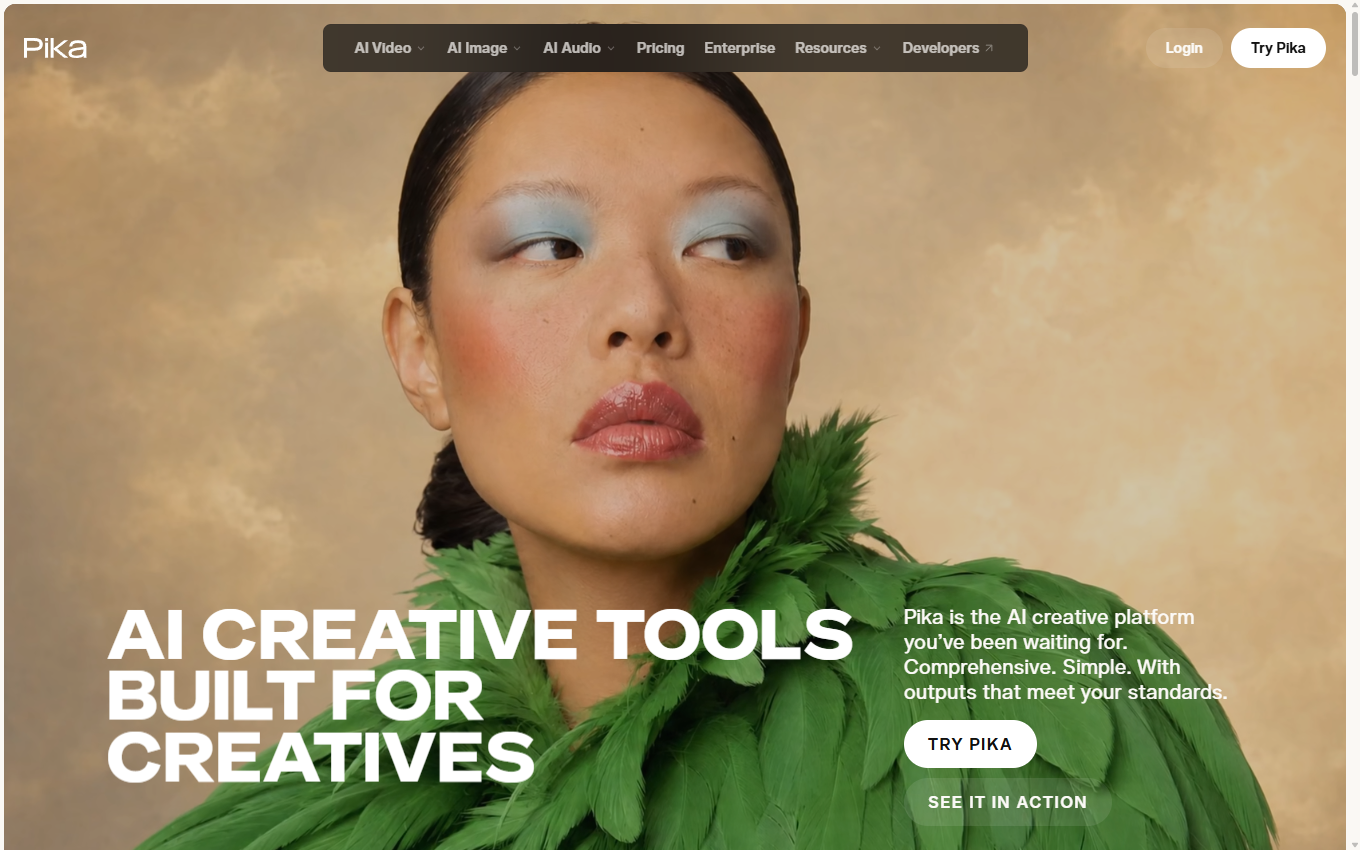
About Pika
What is Pika
Pika is an AI video generation and editing tool launched by the recently popular artificial intelligence startup Pika Labs. This tool can convert any creativity into a video. Users only need to input text or images to quickly generate 3D animation, animation, cartoon, movie and other style videos. This AI video generation tool was first launched as a beta version in late April 2023. It has been used by more than 500,000 early users and is generating millions of videos every week. However, Pika is still being further improved, and its actual use is still far from being put into a real production environment on a large scale.
Pika’s main functions
- Text/Image to Video: Use AI to create short, high-quality videos by just entering a few lines of text or uploading an image
- Video to video: Convert existing videos into different styles, including different characters and objects, while maintaining the structure of the video
- Video aspect ratio expansion: Expand the canvas or aspect ratio of the video, such as intelligently converting from 9:16 vertical screen to 16:9 horizontal screen. The AI model will predict content beyond the boundaries of the original video.
- Video content changes: AI edits content or objects in the video frame, such as changing someone's clothes, adding another character, changing the environment, or adding props
Who is Pika suitable for?
- Individual consumers: Even people who don’t know anything about video production can easily use AI to create and edit videos
- Short video creator: Quickly generate viral short videos. Short videos with the #pikalabs tag on TikTok have accumulated more than 30 million views.
- Film professionals: AI generates first drafts of storyboards from scripts, inspiring photography and assisting post-production film and video editing
How to use Pika
- Visit Pika’s official website (pika.art), click to log in to the official website using Google or Discord account, and join the waiting list
- You can also directly click on the Discord invitation link (https://discord.com/invite/pika) to join its Discord community for early access
- After joining Pika's Discord community, select any generation channel such as #generate-1, and then enter /create+prompt command in the input box
- Finally, wait for Pika to generate the video
FAQ
Is Pika free?
Pika is currently in free public beta. Users can join the Discord channel to experience it. A paid version may be launched in the future.
How long can Pika generate videos?
The current video length generated by Pika by default is only 3 seconds, and subsequent updates may support the generation of longer videos.
Can videos generated by Pika be used commercially?
Videos generated by Pika can currently be used for free commercial purposes, but this policy may change later if Pika ends testing or launches a paid version.
More in AI Video Tools
Compare other tools in this category.