
Current free-plan check: October 2026
There is a useful idea behind the promise of “seven free AI tools”: most creators do not need a paid subscription for every stage of their workflow. Coding, research, voice generation, visual design, video editing, and long-form writing can all be started with free or low-cost products.
The important word, though, is started.
By October 2026, most of the tools in this roundup are better described as freemium than “completely free.” Some give you a recurring monthly allowance. Some give you limited advanced searches. Some offer core editing for free but charge for newer AI features. One product named in the original video no longer offers free image generation at all, while another recommended model has been discontinued entirely.
That does not make the list useless. It makes the details more important.
This guide keeps the original seven-item structure, but updates what you can actually expect today. It also explains how the tools fit together so you can build a creator workflow instead of collecting accounts you never use.
The Seven Picks at a Glance
The original roundup counts several paired services as a single item, so the seven numbered picks actually mention nine separate brands.
| Pick | Tool or combination | Best use | What “free” means now |
|---|---|---|---|
| 1 | Cursor | AI-assisted coding | Free Hobby plan with limited Agent usage |
| 2 | DeepSeek + Perplexity | Reasoning + web research | DeepSeek chat is free; Perplexity Standard is free with limits on advanced searches |
| 3 | ElevenLabs | AI voice and audio | Free plan includes 10,000 monthly credits; commercial licensing requires a paid tier |
| 4 | Lexica + Canva | AI imagery + design | Lexica search is usable for personal inspiration, but generation is currently paid; Canva Free includes limited AI usage |
| 5 | Runway | AI video generation | Free plan has a one-time credit allocation; the Gen-2 model named in the video is discontinued |
| 6 | CapCut | Video editing and captions | Core editing remains free, but many advanced AI features have quotas, trials, or paid access |
| 7 | Claude | Writing, documents, analysis | Free plan with usage limits and broad chat/productivity features |
The practical takeaway is simple: you can try almost every category here without paying, but you should not build a workflow around the assumption that every advanced feature is unlimited.
1. Cursor: AI-Assisted Coding Without Leaving the Editor
Cursor is the most straightforward recommendation in the list for developers, technical creators, and anyone who regularly edits code. The product is built around an AI-enabled code editor, so the useful difference is not simply that it can answer programming questions. It can work in the context of the project you already have open.
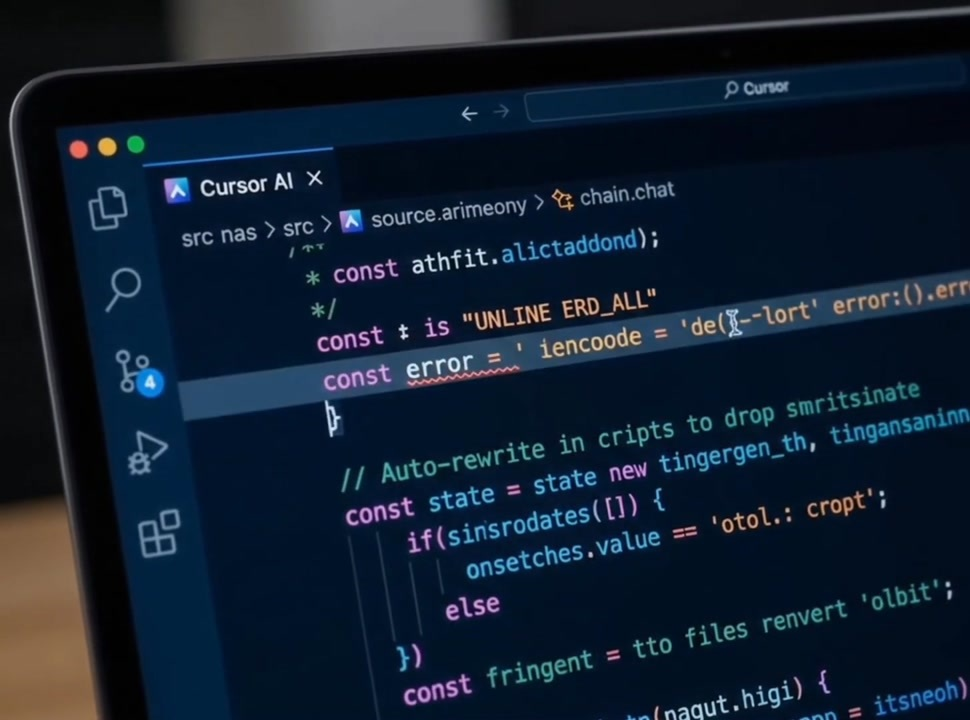
The workflow demonstrated in the video is familiar: select code that is not working, ask the AI to explain or rewrite it, and use project context instead of copying fragments back and forth into a separate chatbot. That is especially useful for small applications, automation scripts, websites, and prototype work where speed matters more than maintaining a complex enterprise development setup.
Cursor's current Hobby plan is still free. Official pricing describes it as including limited Agent requests and access to Composer, while the help documentation says Hobby users can use Agent, Chat, and Tab completions with limited usage. That makes it genuinely useful for experimentation, but it is not an unlimited replacement for paid coding assistance.
A sensible free-tier workflow is to reserve Agent requests for the work that benefits most from project-wide context:
1. Ask it to trace a bug across several files.
2. Use it to refactor a function after you understand the intended behavior.
3. Have it explain an unfamiliar codebase before changing anything.
4. Use ordinary editor features for simple edits that do not need AI.
One claim from the original roundup deserves a correction: no AI editor can guarantee “production-ready code.” Cursor can accelerate coding, but generated changes still need tests, security review, dependency checks, and human judgment.
Best for: developers, indie hackers, automation builders, technical marketers, and creators maintaining their own websites or scripts.
2. DeepSeek + Perplexity: Separate Reasoning from Research
The second pick combines two products because they solve different parts of the same problem. That pairing is more interesting than treating either tool as a direct “Google replacement.”
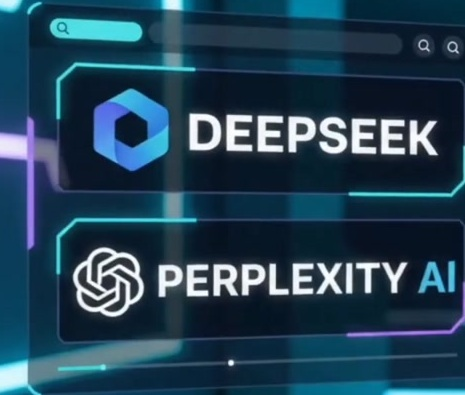
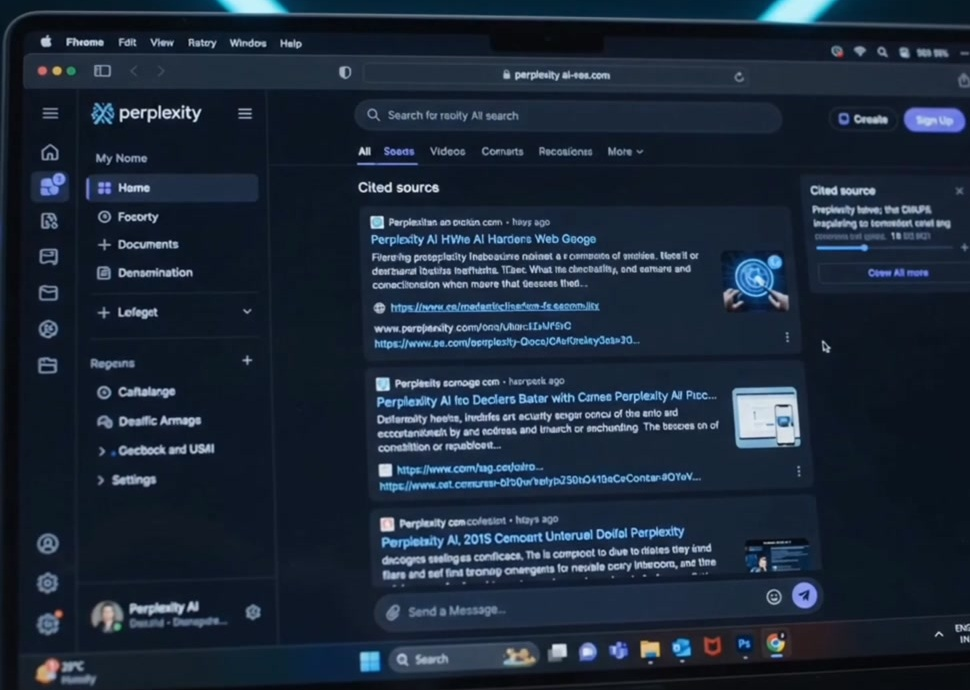
Perplexity is strongest when the task depends on current web information and you want citations attached to the answer. Its Standard plan is free and, according to its current help center, includes practically unlimited basic searches, a small number of Pro Searches, limited file uploads, and a limited Research allowance. Advanced models and higher-volume research are paid features.
DeepSeek, meanwhile, is useful for reasoning, technical analysis, transformations, and long-form problem solving. DeepSeek‘s official app documentation describes its consumer app as free to use, while its developer API is a separate paid service billed by token usage. That distinction matters: “DeepSeek is free” can be true for the chat experience while still being false for someone building it into an automated product through the API.
A stronger workflow than “replace search” is this:
- Use Perplexity to locate recent sources, dates, product pages, studies, or market evidence.
- Open the most important sources yourself rather than trusting a summary blindly.
- Feed verified facts or structured notes into DeepSeek when you want deeper comparison, reasoning, or synthesis.
- Keep citations attached to claims that could change or be disputed.
This division of labor helps avoid one of the most common AI research mistakes: using a strong reasoning model as though it automatically has fresh evidence, or using a search-oriented answer as though every conclusion is equally well supported.
Best for: market research, competitive research, study notes, technical research, content briefs, and data-heavy planning.
3. ElevenLabs: High-Quality AI Voice with a Real Free Allowance
For creators working on narration, podcasts, explainers, short-form video, localization, or faceless channels, voice quality can affect whether content feels polished or disposable. ElevenLabs remains one of the more practical tools on the list because the free plan is clearly defined rather than hidden behind a short trial.
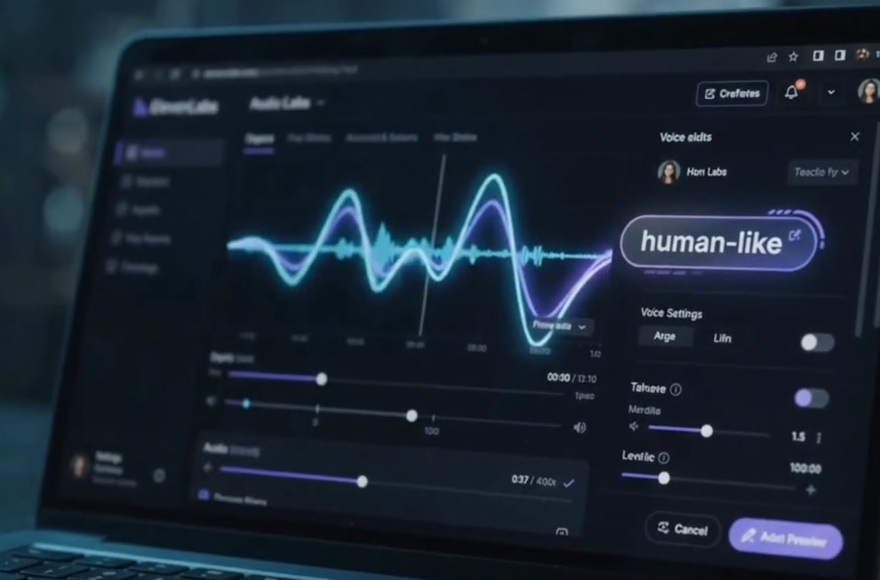
The current Free plan is $0 and includes 10,000 credits per month that can be used across supported products such as text-to-speech, speech-to-text, sound effects, voice design, and other tools. That is enough to evaluate voices and produce smaller projects, but heavy publishing will quickly exceed the allowance.
There is another important limit for creators who monetize their work: ElevenLabs' pricing page lists a commercial license as a Starter-plan benefit rather than a Free-plan benefit. In other words, free usage is useful for testing and personal projects, but you should check licensing before using generated speech in monetized client or channel work.
A practical workflow is to avoid spending credits on text that is still changing. Edit the script first, then generate the final narration. Break long scripts into logical segments so you can regenerate only a problem sentence instead of an entire chapter. Keep pronunciation notes for names, acronyms, and branded terms, especially if you produce recurring series.
The original video calls ElevenLabs the “highest quality” neural audio. That is a subjective ranking, and competitors change quickly. The safer conclusion is that ElevenLabs offers high-quality, natural-sounding speech with a usable free entry tier, which is enough to justify trying it before paying for recording hardware or a larger subscription.
Best for: narration, podcasts, AI dubbing, explainers, character voices, and multilingual creator workflows.
4. Lexica + Canva: Inspiration and Design, but Not Two Unlimited Free AI Tools
The visual-design recommendation needs the most careful update.
The original workflow is logical: generate or discover striking visuals in Lexica, then bring them into Canva for thumbnails, social posts, banners, presentations, and other layouts. The problem is the word “free.”
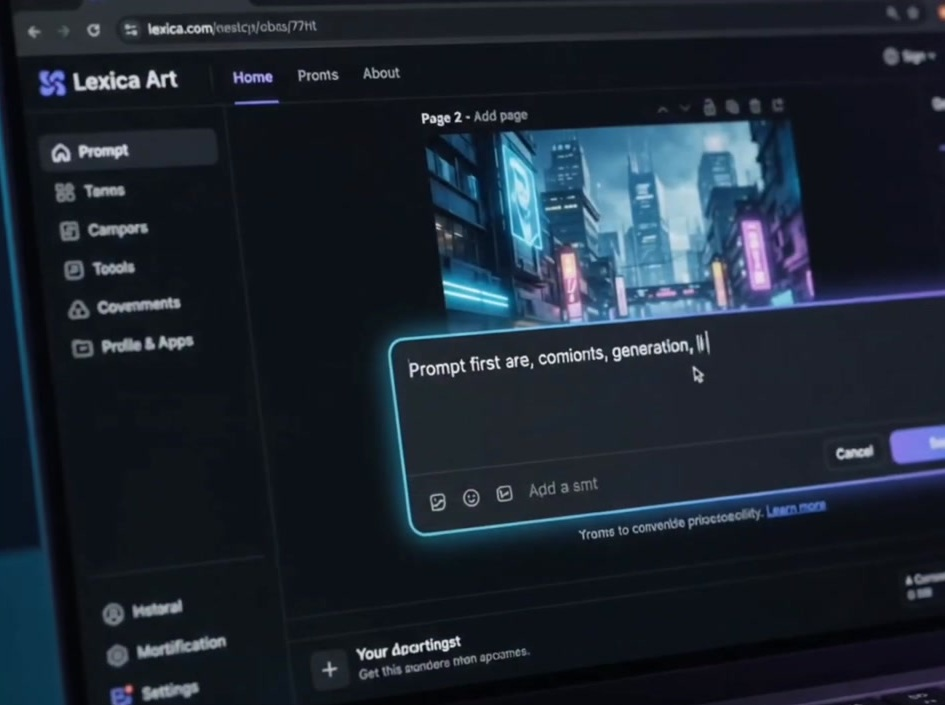
Lexica's current account page explicitly says that there is no free image-generation plan. The Starter plan begins at $10 per month. Lexica does still provide a searchable public image library, and its licensing page allows free personal use of images under its stated conditions, but commercial use requires an appropriate paid plan.
That changes how creators should think about Lexica in a “start free” stack. Treat it as a place to explore visual styles, inspect prompt ideas, and find inspiration. Do not assume you can generate unlimited new commercial assets for free.
Canva is a different story. Canva Free remains a capable design environment, and its current pricing page includes a monthly AI allowance. Canva says Free users can receive up to about 20 uses of Standard or Premium AI tools, depending on the tools and complexity involved, while Ultra AI tools are not available on the Free plan. The allowance resets monthly.
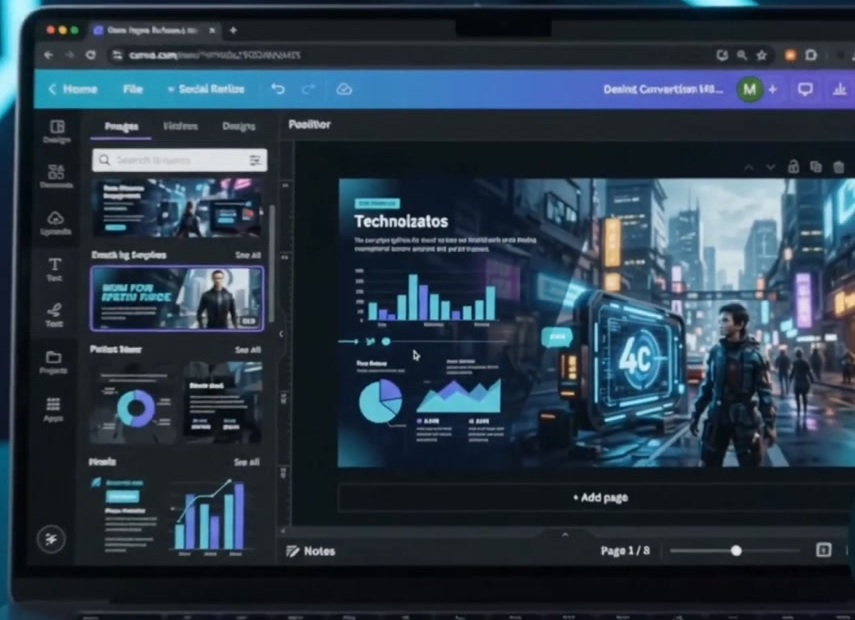
The best no-cost workflow today is therefore slightly different from the one implied in the video:
- Use Lexica search for references, composition ideas, and prompt inspiration.
- Create or source an image using a tool whose license matches your project.
- Assemble the thumbnail, banner, slide, or social graphic in Canva Free.
- Spend Canva AI allowance only on tasks that save meaningful time, such as generating a design element or transforming an image.
This still gives non-designers a fast route from idea to publishable graphic, but it is not accurate to describe both products as fully free generators.
Best for: YouTube thumbnails, social graphics, presentation slides, mood boards, and fast marketing assets.
5. Runway: Free to Explore, but Gen-2 Is Gone
The Runway section contains the largest product-version error in the original roundup. The video recommends Runway Gen-2 for creating B-roll from text or images. Runway officially deprecated Gen-2 in May 2025, and the model is no longer available.
Runway's own deprecation notice says Gen-2 was completely unavailable after May 11, 2025 and points users toward newer models. The same documentation identifies Gen-4.5 Video as its most advanced model at the time of the current guidance.
The broader recommendation—use generative video to create original B-roll instead of hunting through stock libraries—still holds. The specific model name does not.
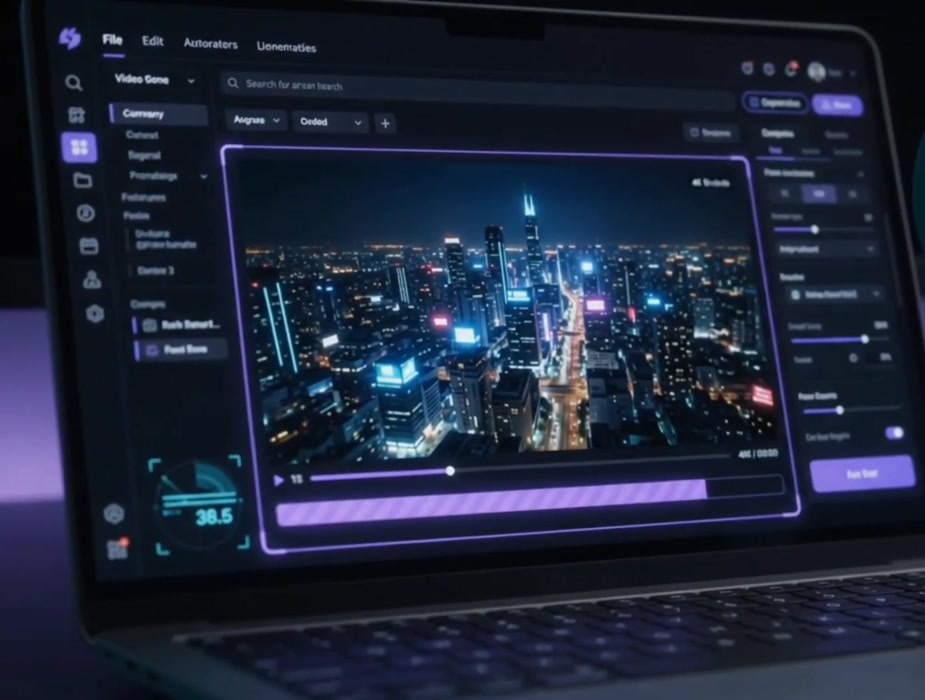
Runway still offers a Free plan, but it is best understood as an evaluation tier. Current documentation says the Free plan includes a one-time allocation of 125 credits, 5 GB of asset storage, and access to a limited set of generative tools. Free-plan outputs are watermarked, and the set of available models can change.
If you are starting today, ignore tutorials that tell you to select Gen-2. Log in, see which current models your Free account can access, and test image-to-video or text-to-video with short clips. The free credits are better spent learning prompt structure and camera direction than generating dozens of disposable variations.
Best for: testing AI B-roll, visual concepts, motion experiments, and short generative-video ideas before committing to a paid plan.
For a useful next step, see our Runway AI beginner guide.
6. CapCut: A Strong Free Editor with Moving AI Boundaries
CapCut is different from most tools on this list because its value is not limited to a single generative model. Even without paying for every AI feature, it remains a useful editing environment for assembling clips, trimming footage, adding text, formatting vertical video, and publishing social content.

The original roundup specifically praises automatic captions and timeline cleanup. Those are exactly the kinds of features that can save time for creators producing several videos per week. However, CapCut's current help center makes clear that access is not uniform: some advanced features receive a small number of free uses during beta or trial periods, while others move into paid membership tiers. CapCut also uses credits for various AI features.
That means a statement such as “CapCut's AI suite is free” is too broad. A better description is:
CapCut offers a large free editing toolkit, while advanced AI features may be limited by platform, region, membership, credits, or temporary free-use quotas.
For a budget-conscious creator, the smartest strategy is to build around capabilities that remain available in the free editor and treat premium AI functions as optional accelerators. If auto captions are free for your account, use them. If a feature suddenly asks for Pro, do not redesign your entire workflow around it unless the time savings justify the subscription.
This also reduces platform lock-in. Your essential workflow should still work when one specific AI button changes pricing.
Best for: YouTube Shorts, TikTok/Reels editing, captions, fast social-video assembly, and creators who want one editor across multiple content formats.
7. Claude: A Free Generalist for Documents, Writing, and Analysis
The final recommendation is Claude, Anthropic’s general-purpose AI assistant. The original video emphasizes long documents, natural writing, business emails, outlines, and detailed reports. Those remain sensible use cases, although claims that one model simply “avoids robotic phrasing” better than all alternatives are subjective.
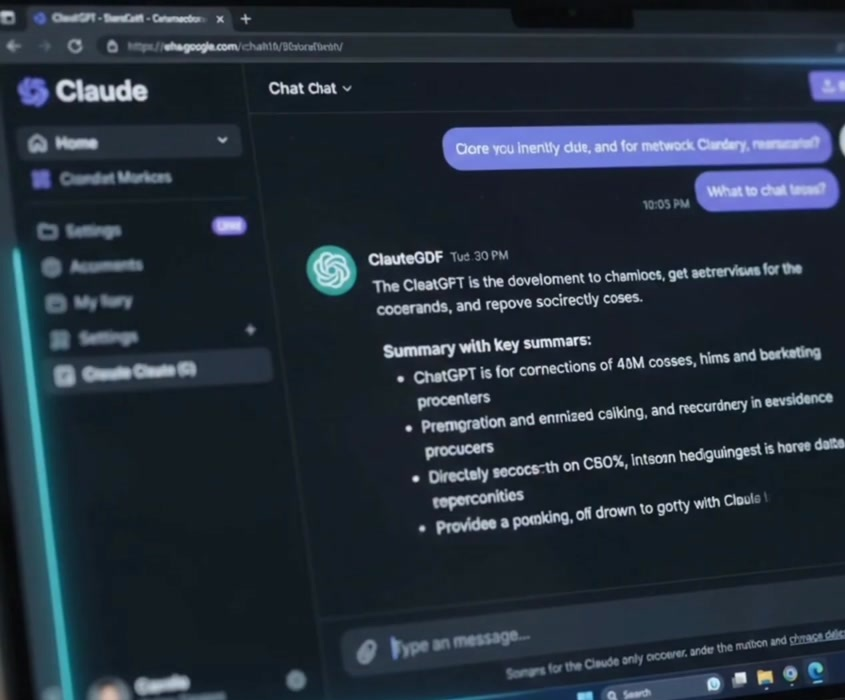
Claude currently has a $0 Free plan with limited usage. Anthropic lists capabilities including chat across web and apps, code generation, data visualization, writing and editing, web search, memory, file creation, code execution, and supported connectors or extensions. Paid plans increase usage and unlock additional products and model access.
For creators, the best free-tier use cases are tasks where one good response can save a meaningful amount of time:
- Turn research notes into a structured outline.
- Summarize a long document before deciding what deserves a closer read.
- Rewrite a draft for clarity and tone.
- Extract key metrics or action items from uploaded material.
- Create an editorial plan from a collection of ideas.
- Review copy for repetition, missing context, or weak structure.
The important limitation is usage capacity. A free general-purpose assistant can be excellent for occasional high-value tasks but frustrating if your workflow requires hundreds of long messages every day. That is when a paid plan becomes a productivity decision rather than a requirement to get started.
Best for: writing, document analysis, research synthesis, reports, planning, and general creator productivity.
For more on Claude’s Projects, code tools, and Skills, see our Claude beginner guide.
Which Free AI Stack Makes Sense for You?
The most useful way to approach this list is not to sign up for everything. Start with the bottleneck that costs you the most time.
If you build websites or apps
Start with Cursor for code and use Claude or DeepSeek for explanations, planning, and technical reasoning. Add Perplexity only when the work depends on current documentation or outside research.
If you make faceless or narrated videos
Use ElevenLabs to test voice generation, CapCut for editing, and Runway only when generative video creates something you cannot easily source or film. This keeps limited video-generation credits focused on high-value shots.
If you make thumbnails and social graphics
Use Canva Free as the center of the workflow. Use Lexica mainly for visual reference unless you are willing to pay for generation and the licensing you need.
If your work is mostly research and writing
Use Perplexity to gather current, cited sources; DeepSeek for additional reasoning; and Claude for organization, rewriting, and document-heavy work. The tools overlap, so you may eventually discover that two are enough.
What the Original “Completely Free” Claim Gets Wrong
The original video is directionally right about one thing: you can do meaningful work in every category without immediately paying for a premium subscription. But “no hidden paywalls” is not an accurate description of the current landscape.
Here is the more precise version:
- Cursor: truly has a free plan, but AI Agent usage is limited.
- DeepSeek: consumer chat is free; API access is paid.
- Perplexity: free basic search is generous, but advanced research and model access are limited.
- ElevenLabs: free monthly credits are real, but commercial licensing and higher usage are paid.
- Lexica: image generation currently requires a subscription; free use is mainly search/personal-use territory.
- Canva: free design is substantial, while AI usage is metered.
- Runway: free credits are a one-time starter allocation, and Gen-2 no longer exists.
- CapCut: much of the editor is free, but advanced AI access can change by feature and account.
- Claude: free access is real, with usage limits and paid upgrades for heavier work.
That is still a strong starting stack. It is just a freemium stack, not an unlimited-free one.
A Better Rule for Choosing AI Tools in 2026
The fastest-moving part of the AI market is not model quality. It is packaging: credits, rate limits, feature gates, model names, and subscription tiers change constantly.
So instead of asking, “Is this tool free?” ask four more useful questions:
1. Can I complete one real project on the free tier? A demo is not the same as a usable workflow.
2. Does the free tier include the feature I actually need? A free account is irrelevant if the useful model or export option is paid.
3. What happens when I hit the limit? Some quotas reset monthly; Runway's free credits are a one-time allocation.
4. Do I have the rights I need? Commercial licensing can differ from personal experimentation, especially for generated media.
That approach keeps you focused on output rather than subscription collecting.
Final Takeaway
You do not need nine paid AI subscriptions to be a productive creator in 2026. Cursor, Perplexity, DeepSeek, ElevenLabs, Canva, Runway, CapCut, and Claude all provide meaningful ways to start without committing to a full professional stack, while Lexica can still be useful as a searchable visual resource.
But the best version of this strategy is not “never pay for software.” It is delay paying until a tool has proven that it removes a real bottleneck.
Use free plans to test fit. Learn the workflow. Measure how much time or money the tool saves. Then upgrade only the products that become part of your actual production process.
That is a much more sustainable creator stack than paying for every impressive AI demo you see.
Current Product Sources Checked
Product details and free-plan notes were checked against official sources available in October 2026:
- Cursor Pricing: https://cursor.com/pricing
- Cursor pricing/help documentation: https://prod.cursor.com/help/account-and-billing/pricing
- Perplexity plan comparison: https://www.perplexity.ai/help-center/en/articles/11187416-which-perplexity-subscription-plan-is-right-for-you
- DeepSeek app announcement: https://api-docs.deepseek.com/news/news250115/
- DeepSeek API pricing: https://api-docs.deepseek.com/quick_start/pricing/
- ElevenLabs Pricing: https://elevenlabs.io/pricing
- Lexica account/pricing: https://lexica.art/account?id=pro&interval=month
- Lexica License: https://lexica.art/license
- Canva Pricing: https://www.canva.com/pricing/
- Runway Gen-2 deprecation: https://help.runwayml.com/hc/en-us/articles/41072248471187-Gen-2-Deprecation
- Runway Free plan details: https://help.runwayml.com/hc/en-us/articles/50404627334547-Free-plan-details
- CapCut feature payment guidance: https://www.capcut.com/help/features-needs-to-paid
- CapCut free-use limits: https://www.capcut.com/help/different-free-usage-limits-features
- Claude plans: https://claude.com/pricing